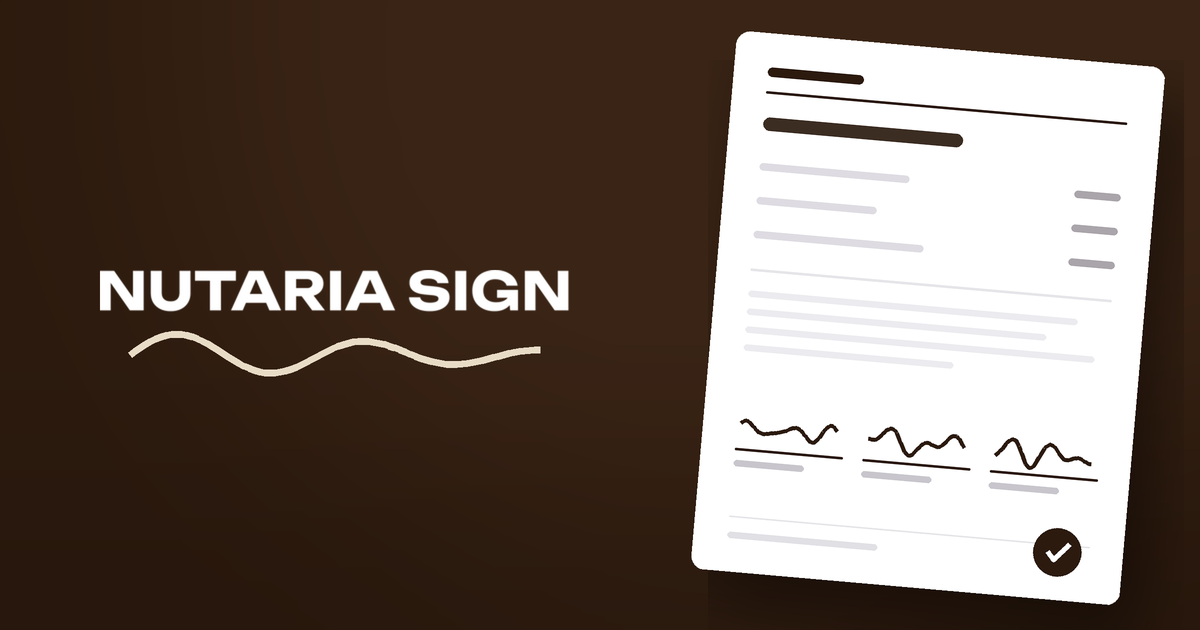
On November 27, 2026, Nutaria, the artist platform SETTWOR is building, got Nutaria Sign.[3] It is made for split sheets, the documents where people who made a song together write down who did what and who owns which share.
The tool is free, but only Nutaria members can use it. Checking a signed document needs no account.[1]
Two templates
The Split Sheet records who wrote a song and each writer’s share. The master can be split the same way as the song or separately. The sheet has fields for ISRC, ISWC, PRO, IPI and publisher, so the shares can later be registered where needed.[1]
The Vocal Use & Revenue Split gives permission to use a vocal in one track and sets how that track’s income is shared. It covers the vocals, the lyrics, the artist name and one track. It transfers no rights and does not split the song or the recording.
Making a document
The author picks a template and fills in the song, everyone who worked on it, what each person did and their shares. Drafts save on their own and can be changed as often as needed. A preview next to the form shows the PDF exactly as it will look, marked NOT SIGNED.[1]
Before a document is made ready, Nutaria checks it. It warns when the shares do not add up to 100 %, when a legal name is missing, when one person is listed twice, or when an IPI number is missing. On screen, each section of the agreement also has a short explanation in plain words, so an artist can see what a clause means before signing. These notes do not go into the PDF.
Signing
When the author presses Document ready, the text locks and cannot be edited any more. The author signs first, and then everyone listed gets an email asking them to sign this exact version.[1]
To sign, a person accepts the Nutaria Sign terms, agrees to sign and keep records electronically, types their full legal name and confirms with a code. The code comes from an authenticator app when two-step verification is on, or by email otherwise. The signing screen shows the document’s fingerprint, and the page refuses to sign if the copy on screen differs from the one that was made ready.[2]
Right after signing, each person gets a receipt by email: what they signed, the fingerprint and the time. They have proof in hand even before the others sign.
A document counts only when every party has signed. After the last signature, everyone gets the final PDF. It has two pages: the agreement and a Certificate of Completion with the names, roles, shares, the way each person confirmed, the time of every signature, the fingerprint and a QR code that leads to the check page.[1]
A document can also end in other ways:
- Decline. A party can refuse to sign and give a reason.
- Void. The author can cancel a document before it is completed, also with a reason.
- Remind. Reminders are sent after 3 and 7 days, and the author can send one by hand, at most once a day.
- Expired. If not everyone signs within 30 days, the document expires.
The documents list has groups for Needs you, Waiting, Drafts, Completed and Closed, plus a search. On a phone, a tap on a PDF page opens it full screen, with swipes between pages and pinch to zoom.
New versions
A ready document cannot be changed. To fix something, the author makes a new version, and everyone signs again. Before signing, all parties see which fields changed compared with the previous version. Once the new version is fully signed, the old one is marked as replaced.[2]
Checking a PDF
Every version has a SHA-256 fingerprint printed in its certificate, so any change to the file shows.[1] Anyone can open nutaria.settwor.com.pl/sign/verify and drop the PDF there, or type the code printed on each page, for example from the QR code. The fingerprint is counted on the visitor’s device and the file is never uploaded. A match means the document has not changed since the last signature.[2]
A code alone also shows who signed what: names, usernames, roles and shares. So a fake PDF with a real code does not pass the check.
Every event of a document is written to a log that nobody can edit or delete, not even an admin. Each entry stores the fingerprint of the one before it, so the order of events cannot be quietly rewritten.
Legal side
Nutaria describes the signature as a simple electronic signature under the EU eIDAS Regulation, not a qualified one. The site notes that some agreements need a stricter form by law, that the templates are a general starting point and not legal advice, and that Nutaria is a tool, not a party to the agreement. The full terms are at nutaria.settwor.com.pl/sign/terms.[2]
